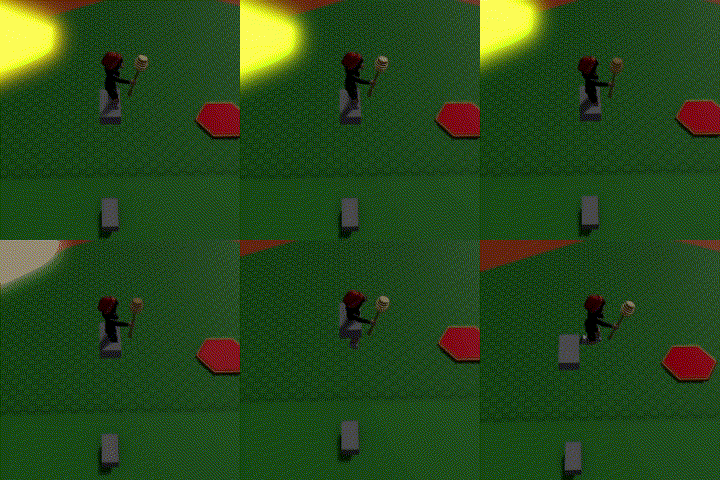
Create two shapes and place them opposite of each other
Name the top shape "Portal Top"
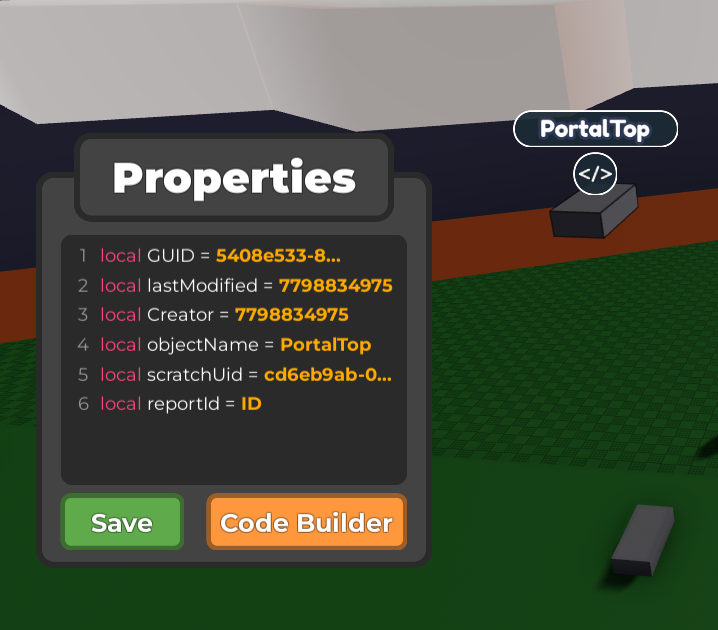
Note that correct naming conventions are important for this code to work
- Remove collisions from the top Shape by pressing Collision tool (See pic) and click OFF
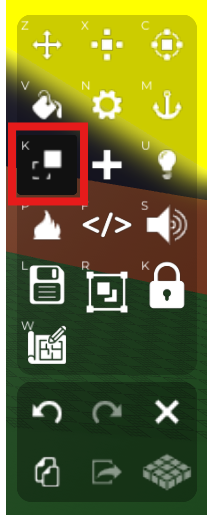
This part is optional, if you don't want the player to fall through the shape so the player just teleports to it, skip this step
This will be all that you'll need to do for the code on your top shape
- Open the Code builder for the bottom shape and start coding by finding in "Events" (Yellow button) - "When touched by a player"
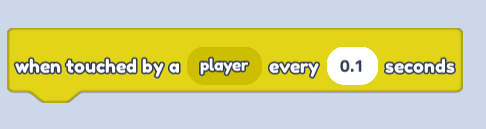
Change seconds to 0.1
- Find "Move player to ... Object" in "Player" (Navy button)
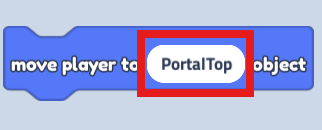
Change text to "Portal top" so that the code affects our top shape
- Save your code and press play!