With Make Your Own, the whole class or camp builds a game together — everyone writes their own question, and then you play them all back, one round each. Here's how to run it.
1. Get everyone into the lobby
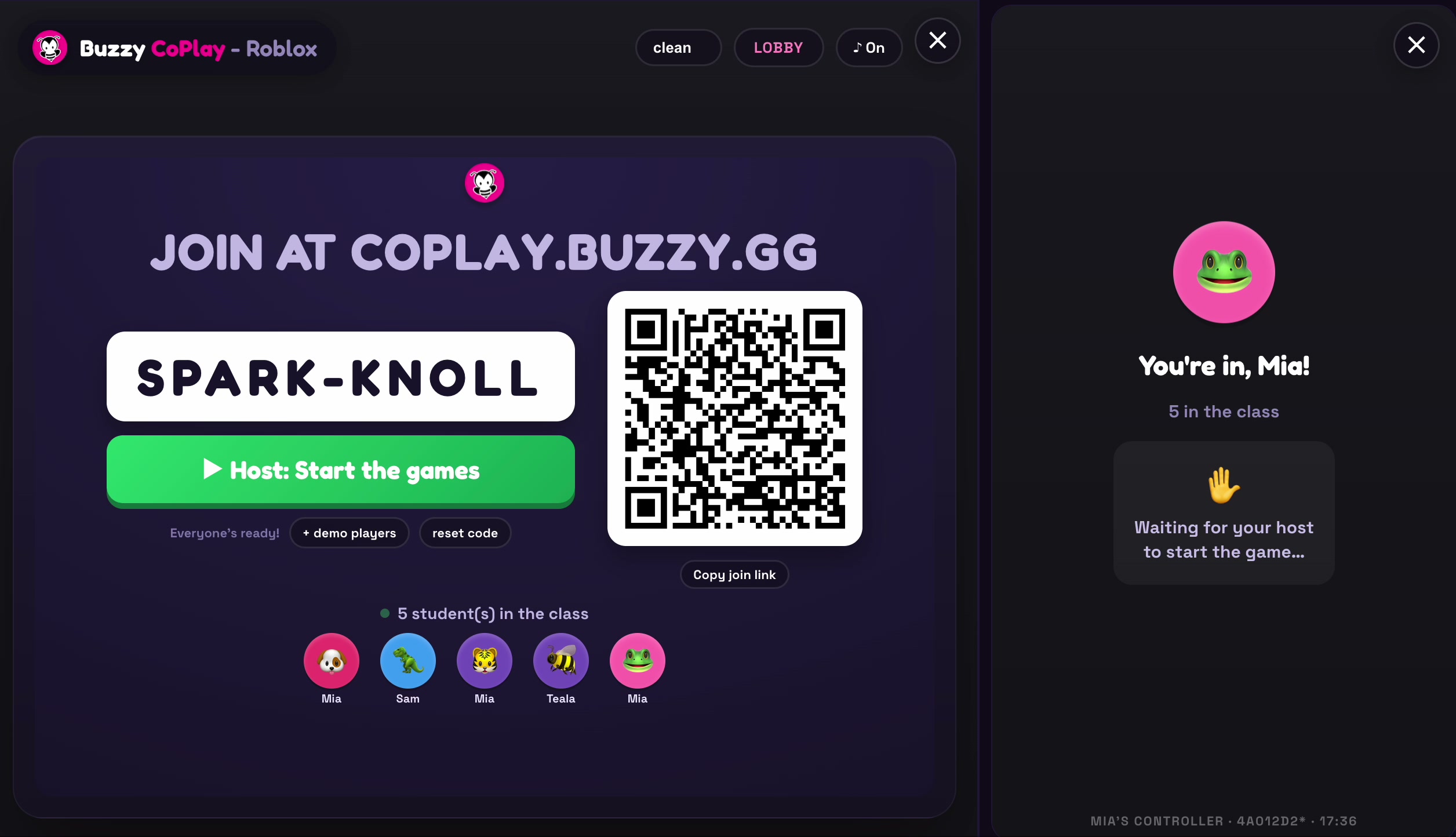
Start your CoPlay session and have your players join:
- Players go to coplay.buzzy.gg and enter the room code (or scan the QR code)
- Wait until everyone shows up in the class list
- When everyone's in, the host clicks Host: Start the games
2. Pick "Make Your Own"
On the Pick a game! screen the host taps a game to play. Choose Make Your Own — everyone writes a question.
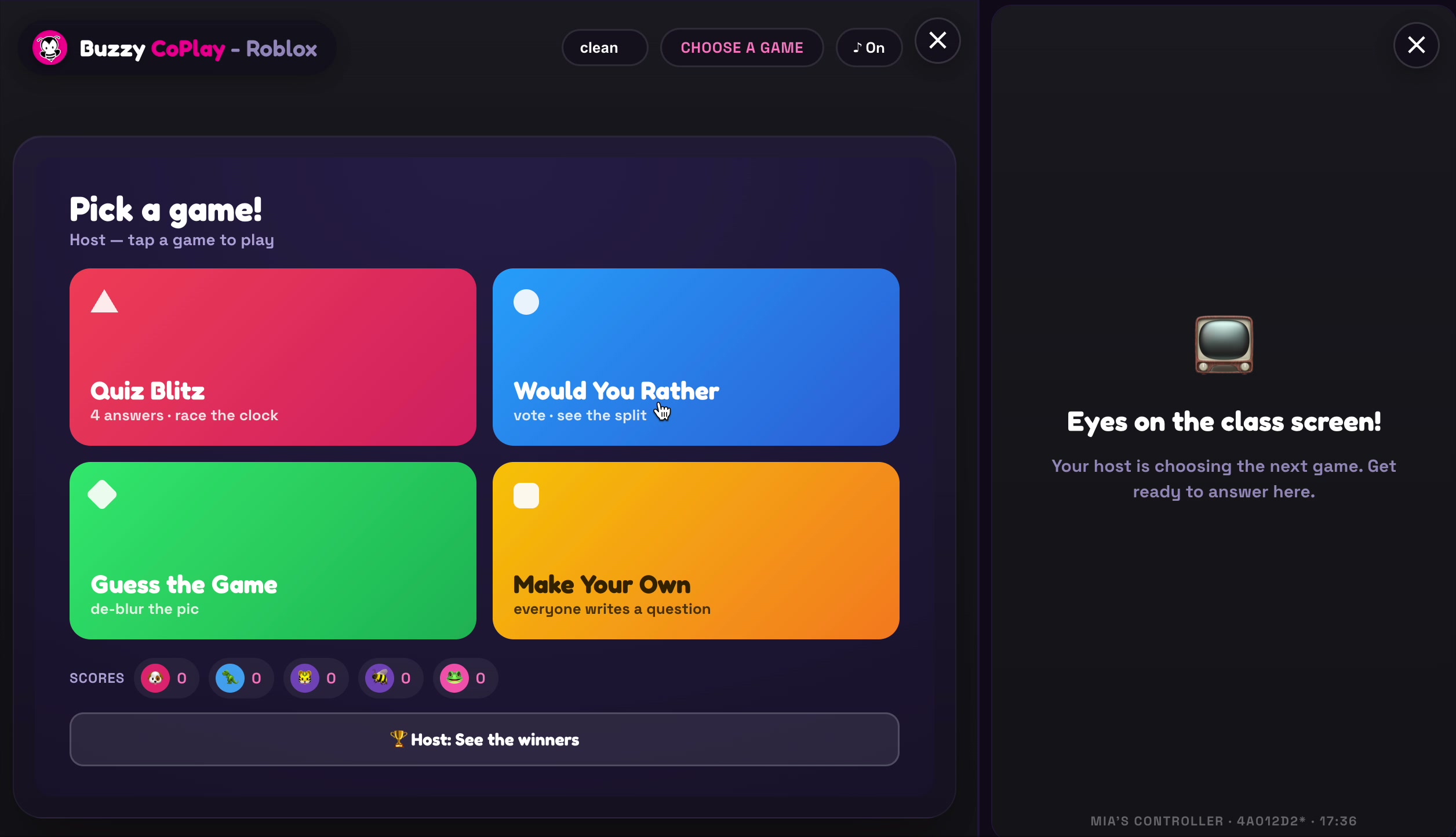
The other games — Quiz Blitz, Would You Rather and Guess the Game — are ready to play too. Make Your Own is the one where the class builds the questions.
3. Everyone writes a question
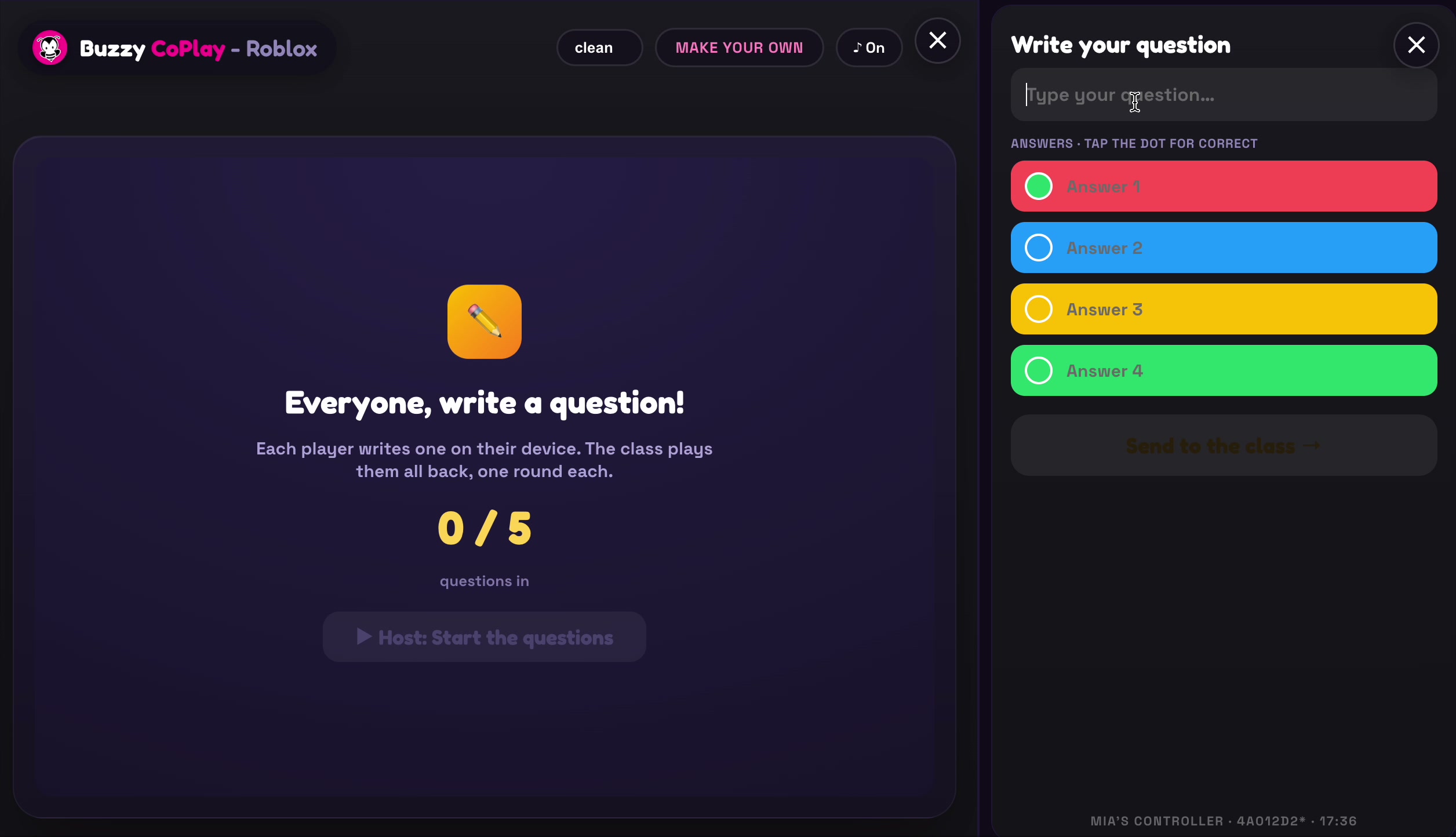
The class screen shows Everyone, write a question! Each player writes one question on their own device. On your device you'll see the Write your question panel:
- Tap Type your question… and write your question
- Fill in the four answers — one true answer and the rest as distractors (the wrong answers)
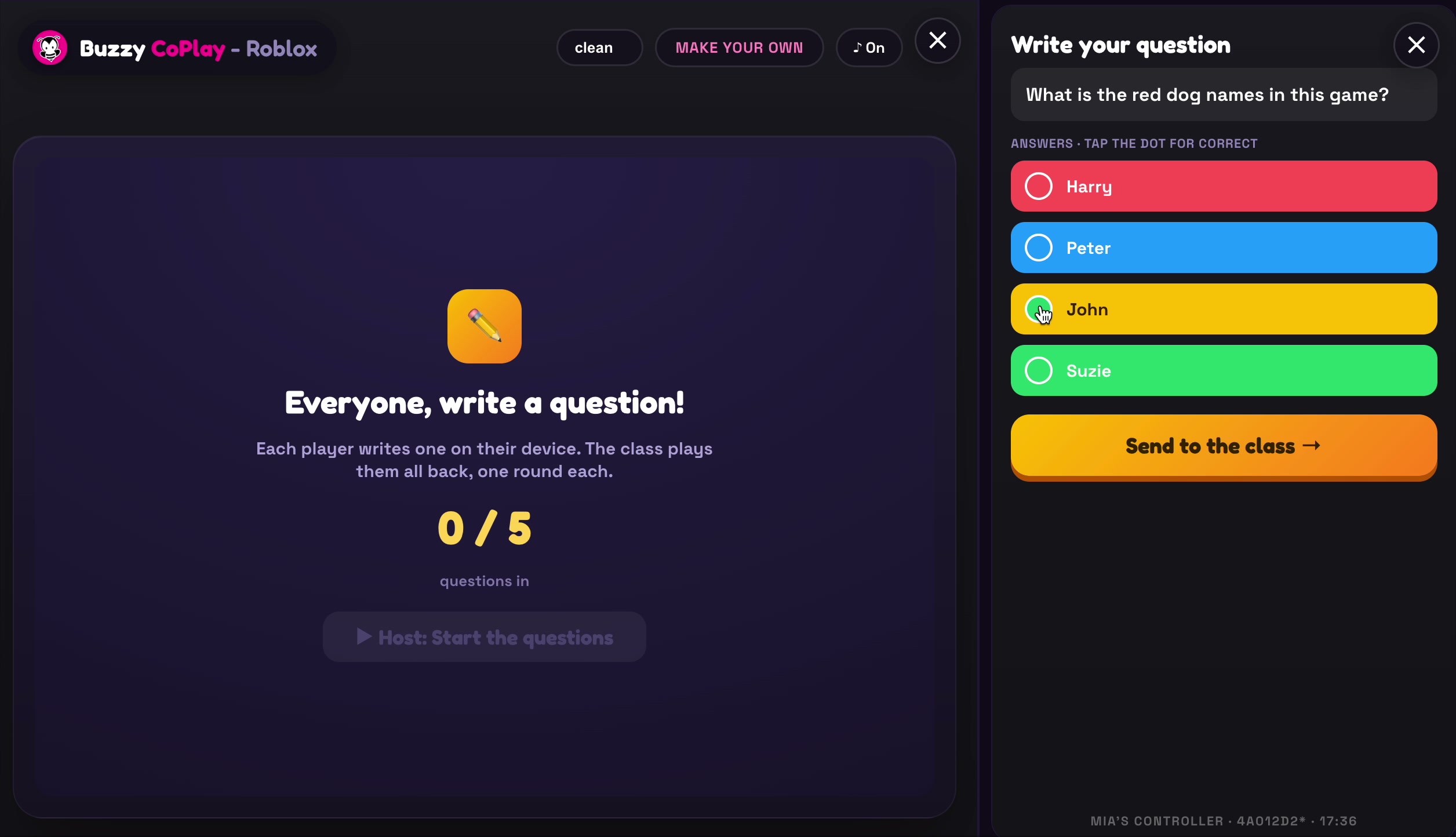
Example: "What is the red dog's name in this game?" with answers like Harry, Peter, John and Suzie.
4. Mark the correct answer and send
- Tap the dot next to the answer that's correct — that marks it as the true answer
- When your question and answers are ready, tap Send to the class →
5. Start the game and play it
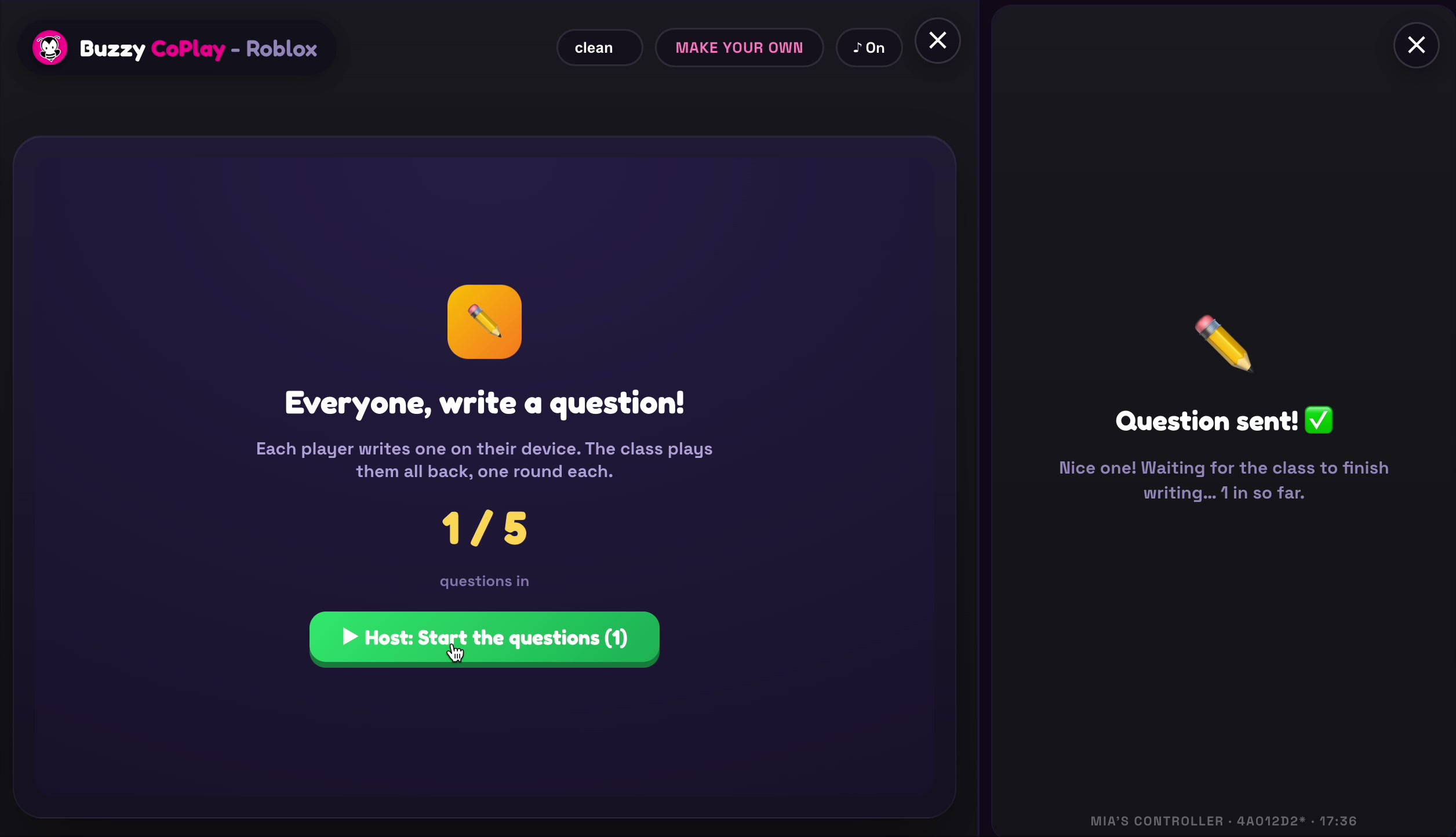
Once a player sends their question, their screen shows Question sent! and they wait for the rest of the class to finish writing. The class screen keeps count of how many questions are in.
When everyone has submitted their questions, the host clicks Host: Start the questions to play them all back — one round for each question.
That's it — the whole class just built a game together. Each question gets its own round, and everyone plays along. Have fun! 🐝